

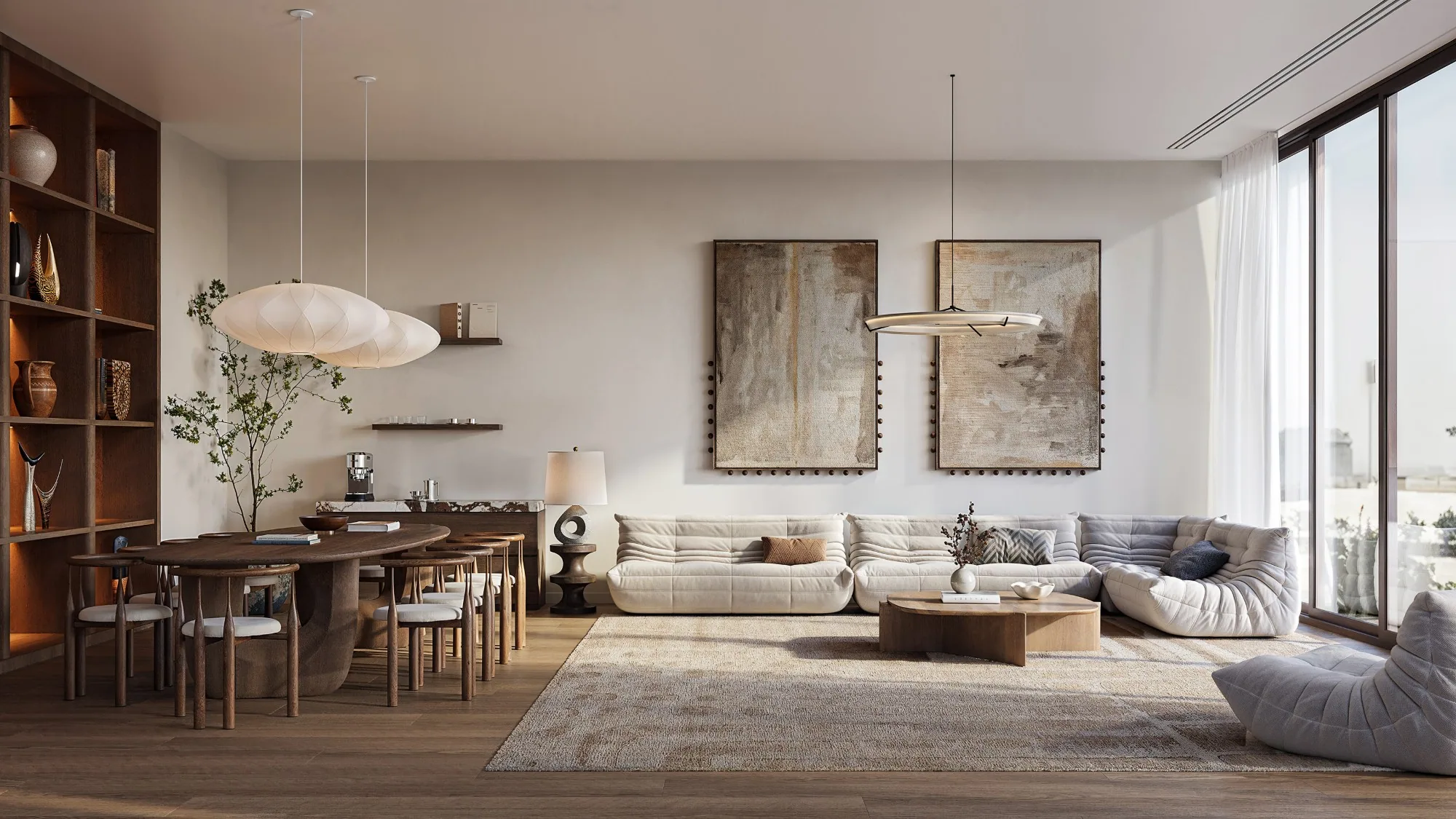
— The AI studio for architectural visualization
Same frame.
Endless scenes.
Swap the sofa for a real product, refresh the rug and the lamp, add people, turn the light to sunset; the camera and the architecture never move. Every step is one click on the canvas, and your flow stays saved.
300 free credits · No card needed

01 · From one image
One screenshot. A whole presentation.
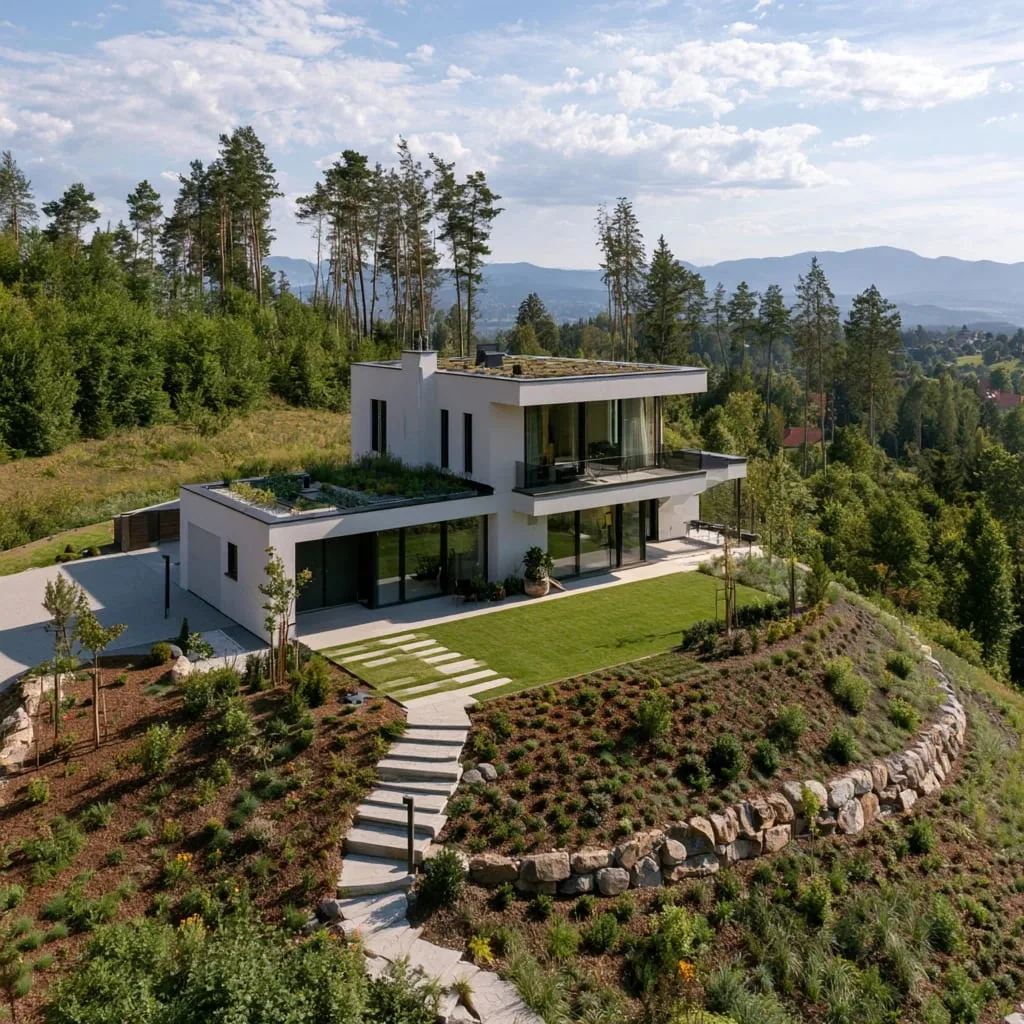
Upload a single screenshot from your drawing software. Mixart turns it into a realistic render, adds people and animals, pulls out detail angles and sets it in motion; the camera and the design stay as they are.
- 01Screenshot
- 02
- 03
- 04
- 05
A single screenshot from your drawing software.
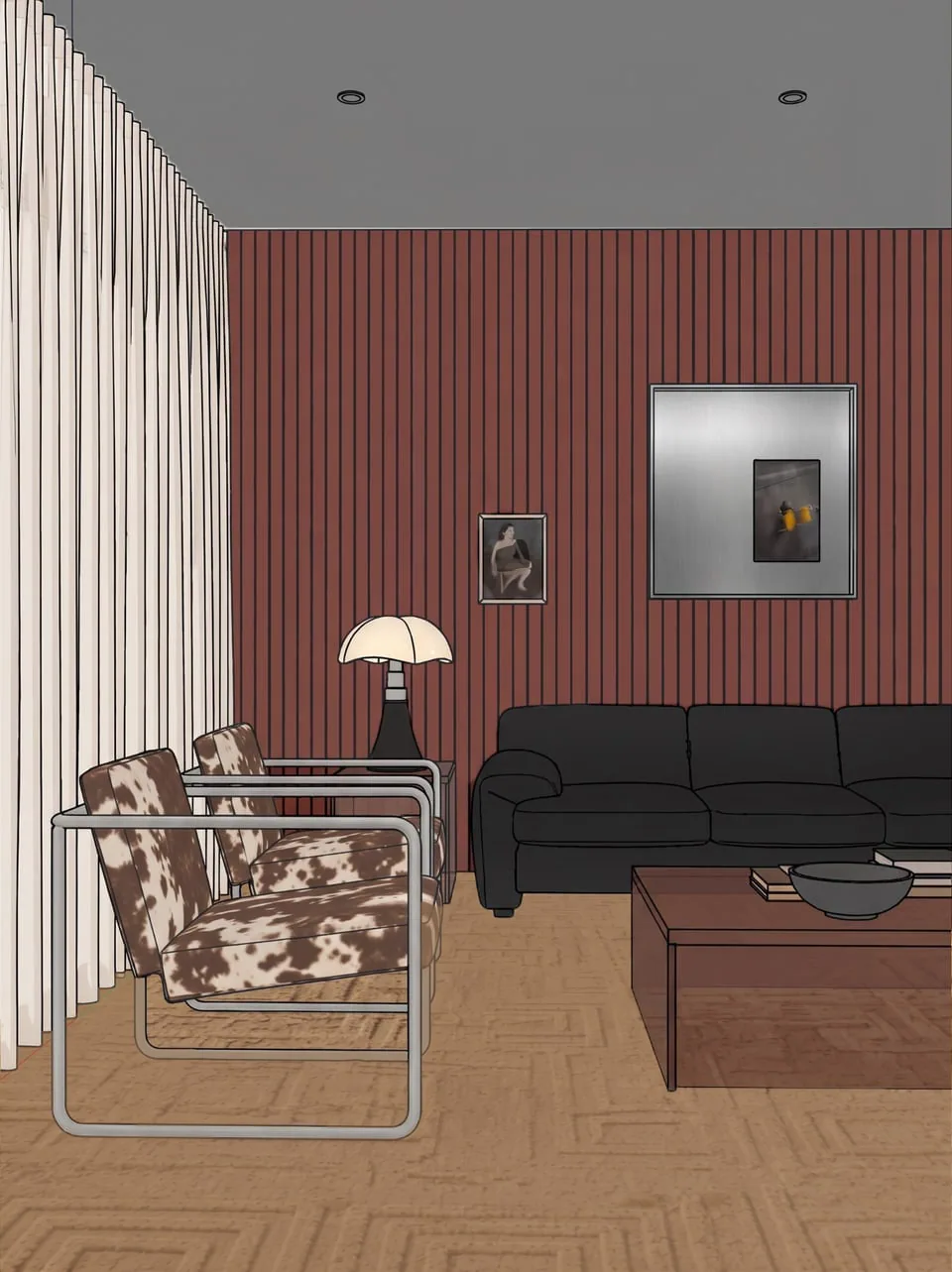
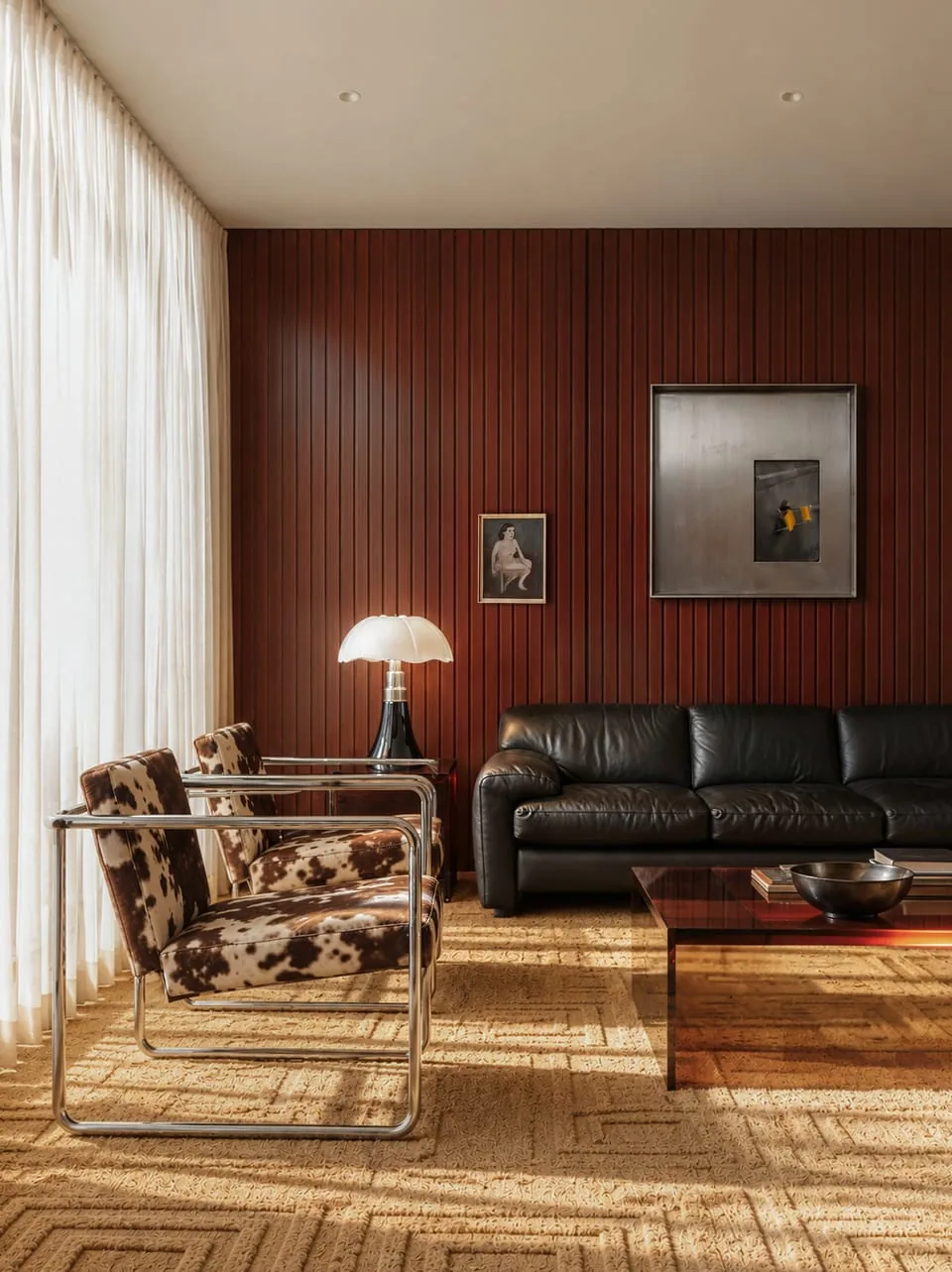
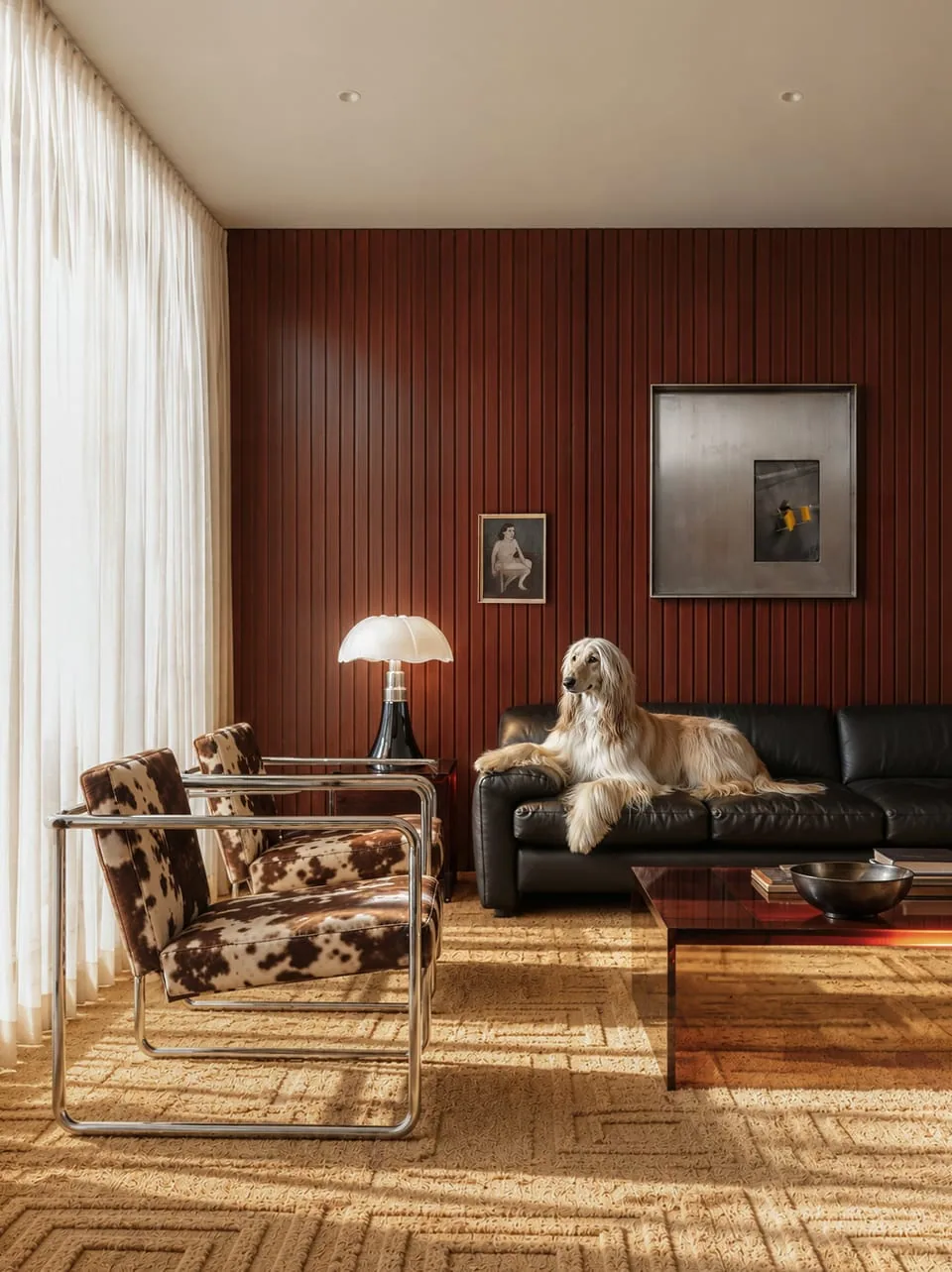
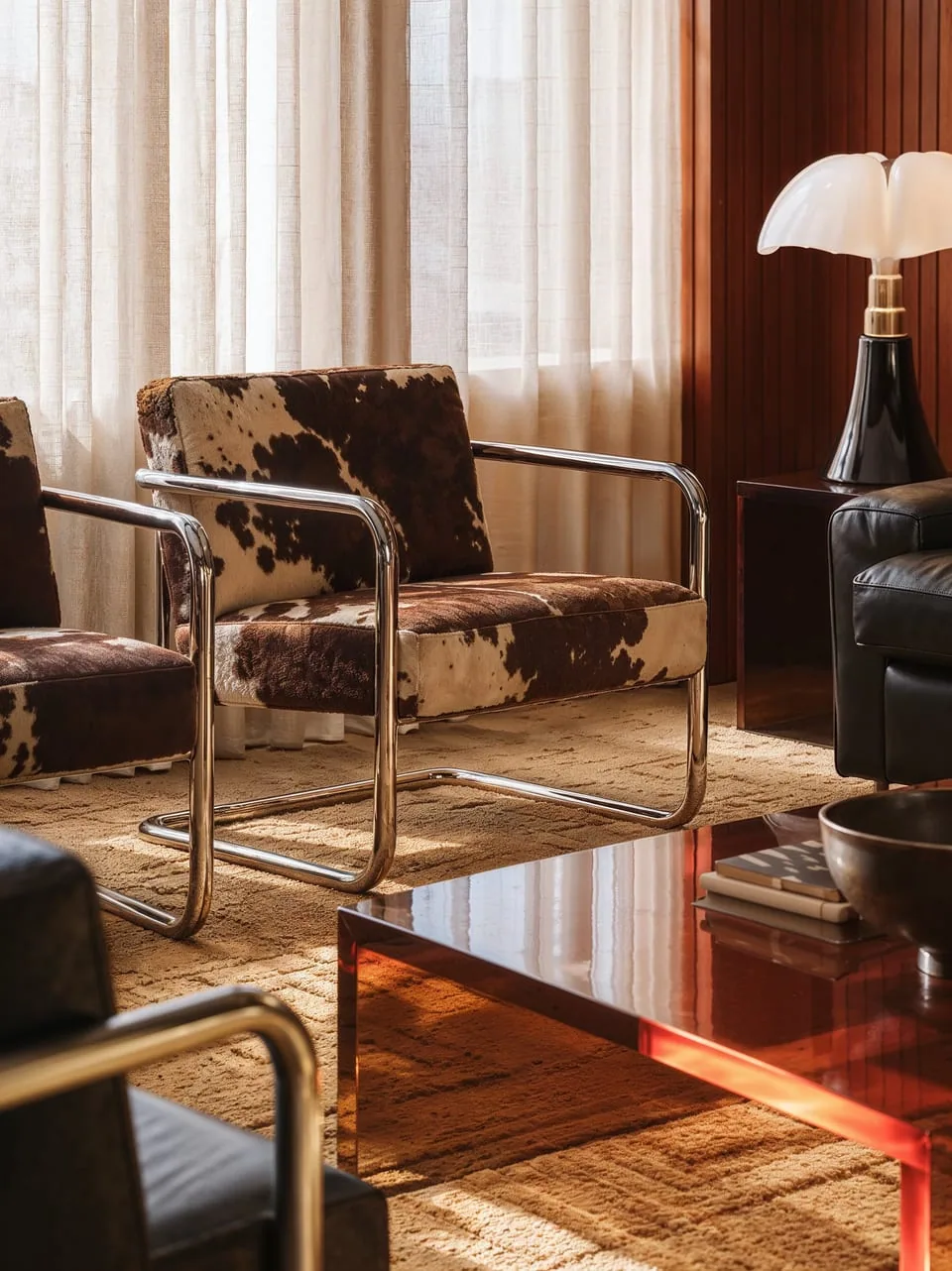
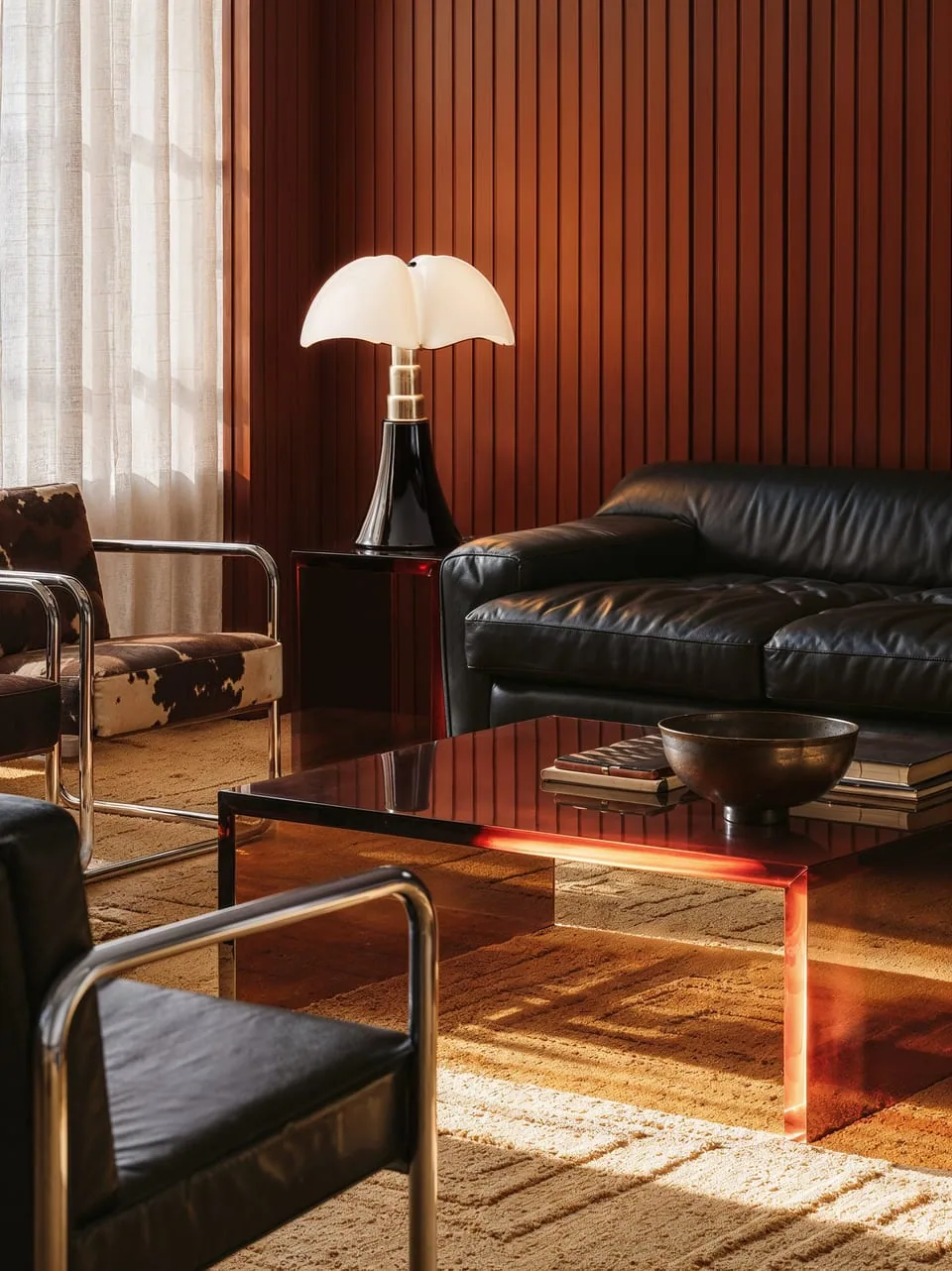

What happens in between?
02 · LightMix
Set the light afterwards. In real time.
Day, night and lamps from a single render. Set the time and the light afterwards; no need to generate again.
07:00
Morning
Scroll ↓
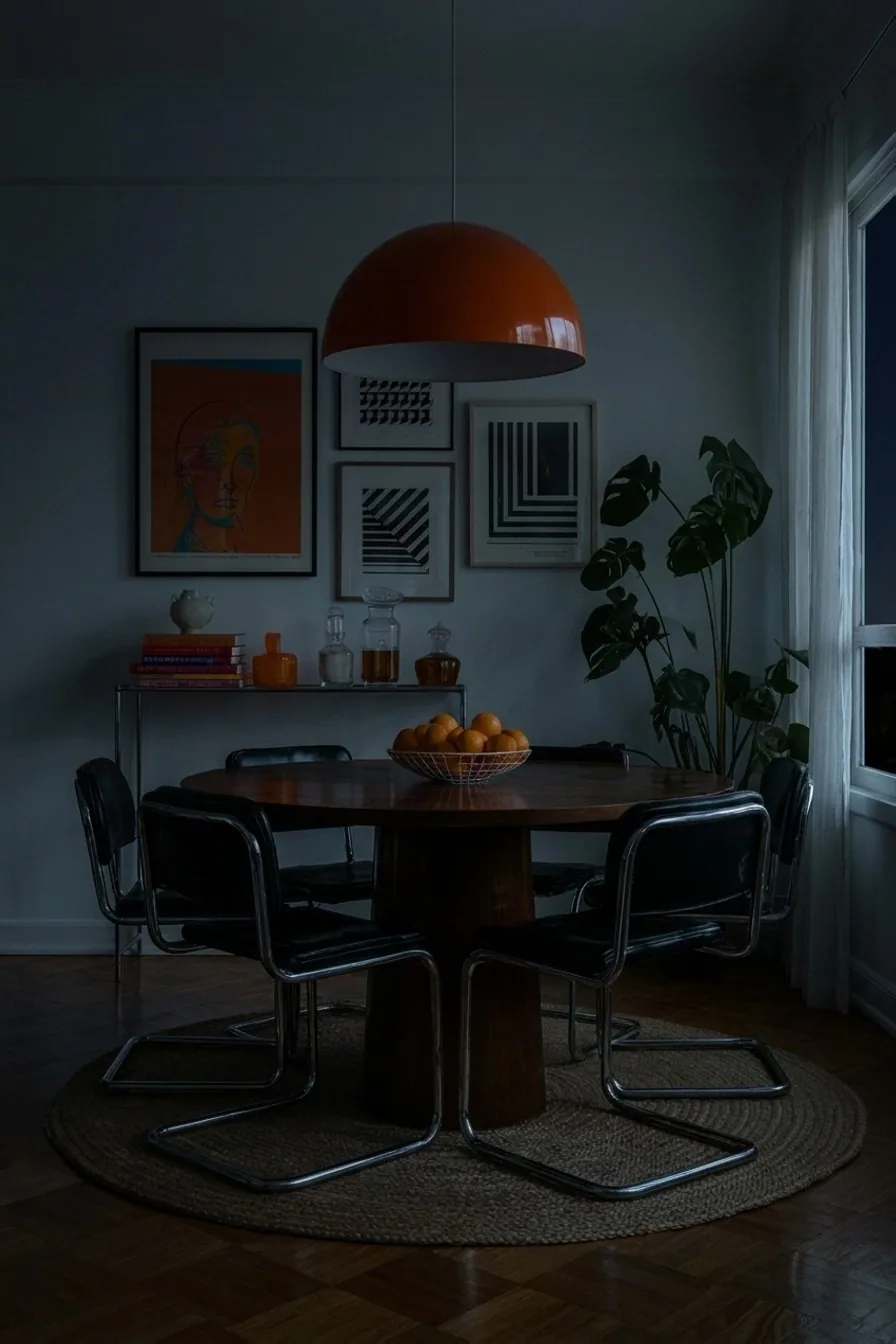
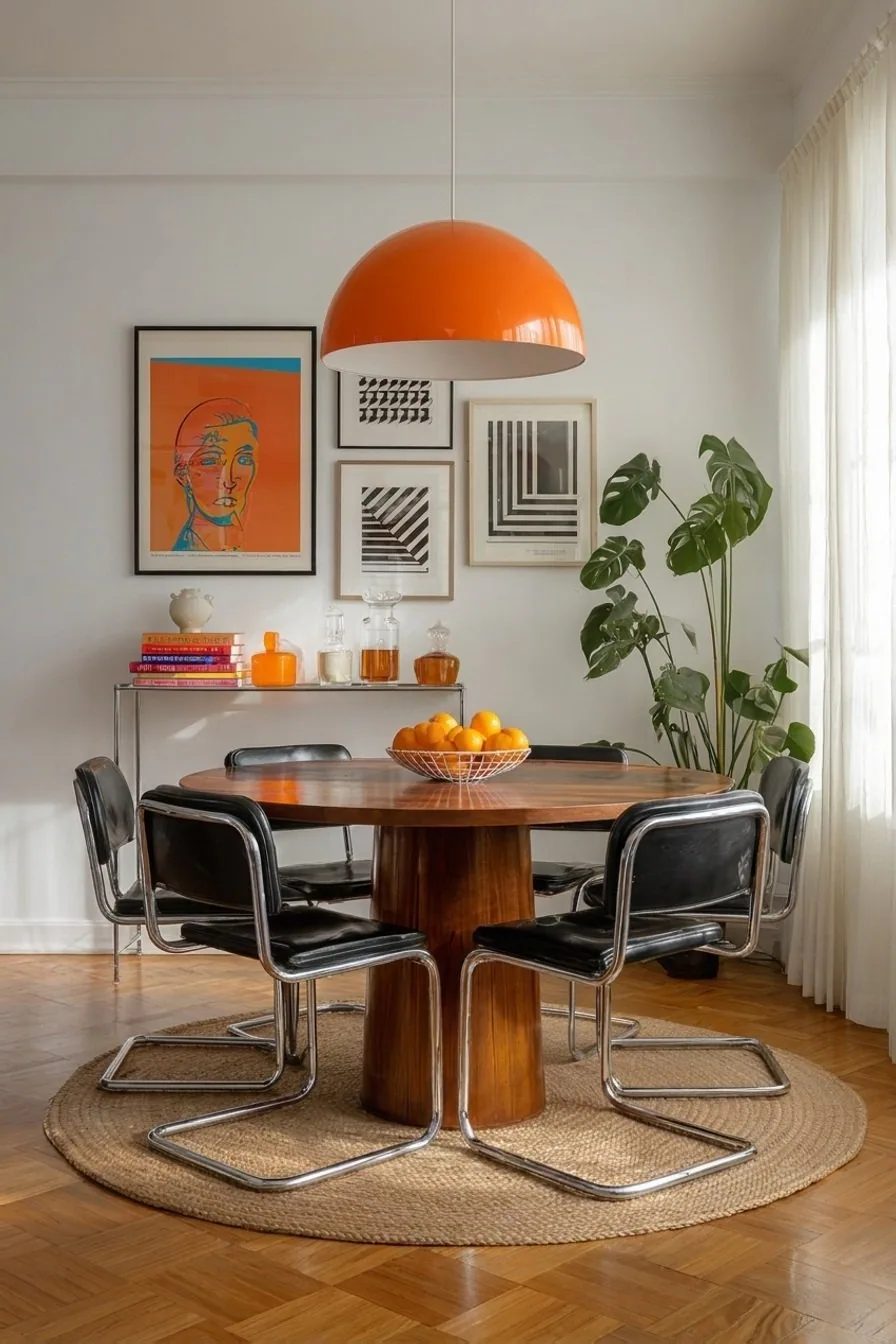
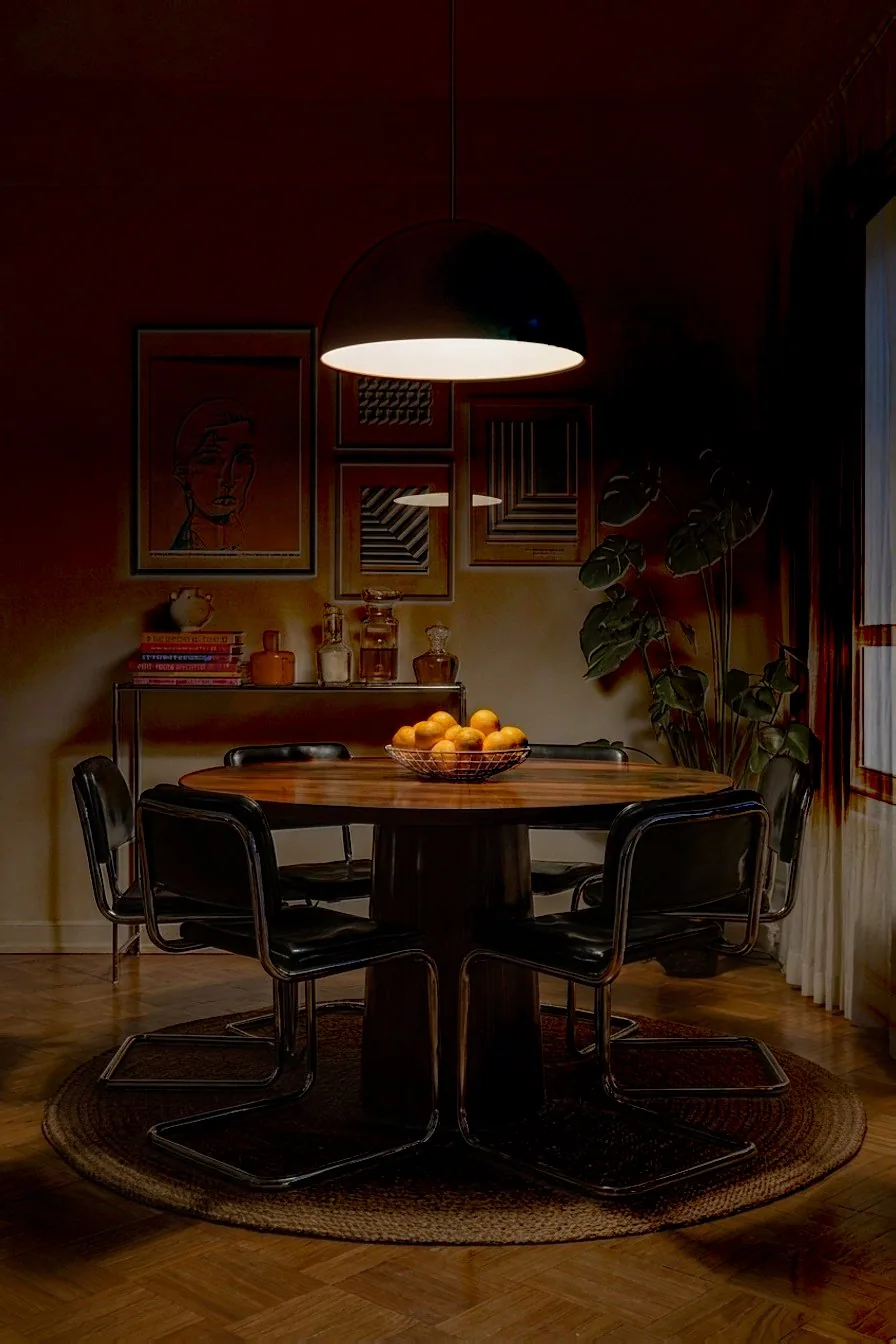
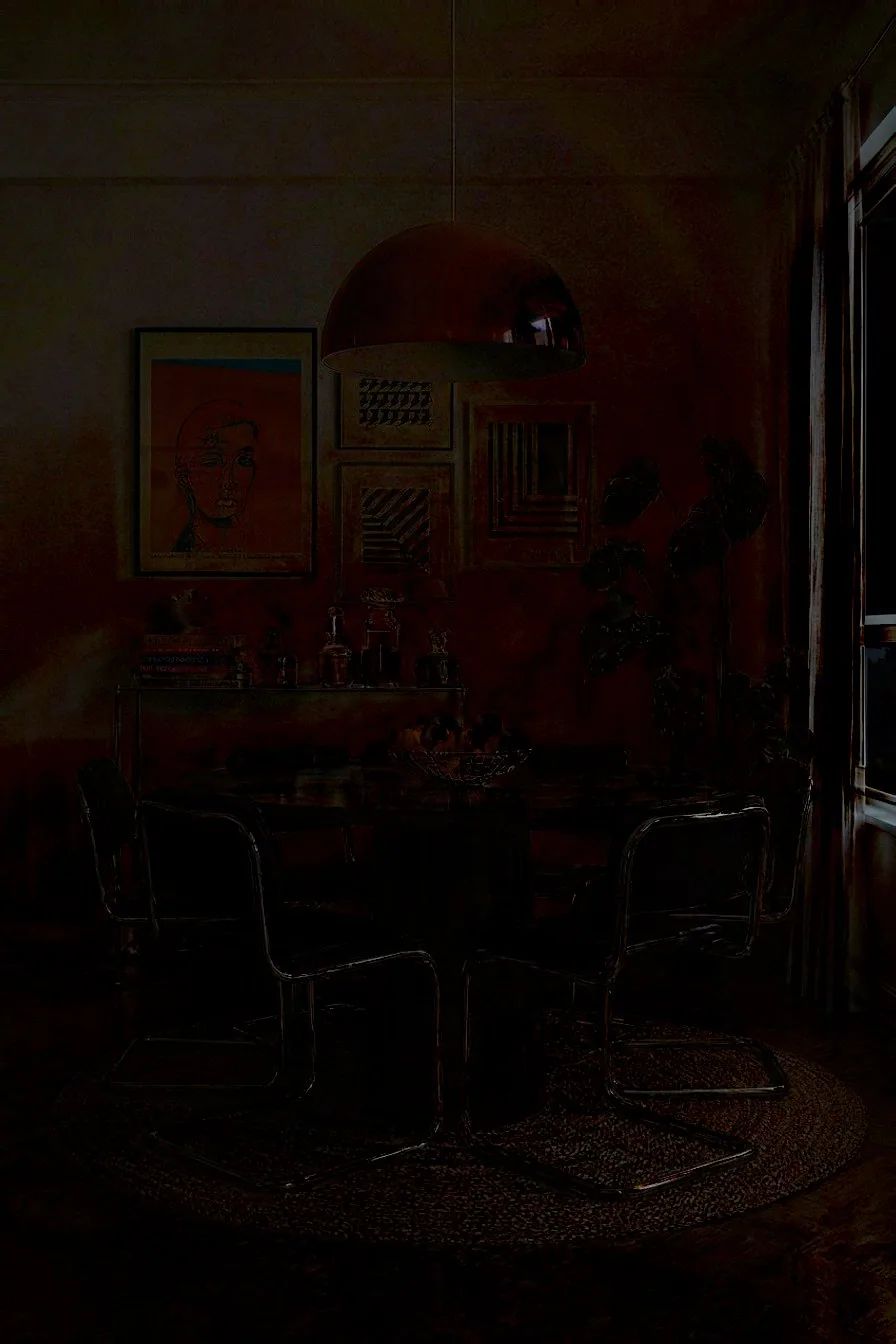
One click. The image comes to life.
Upload your image and press Run; we do the rest. Behind it, a workflow we built in advance reads the scene, runs every step by itself, and your animation is ready in one click.
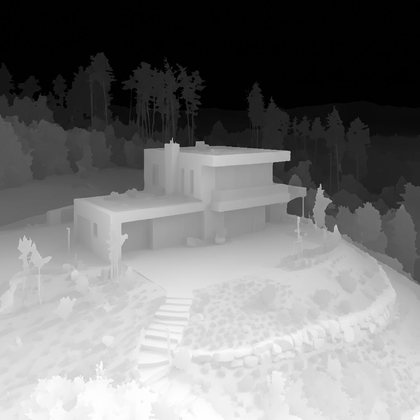
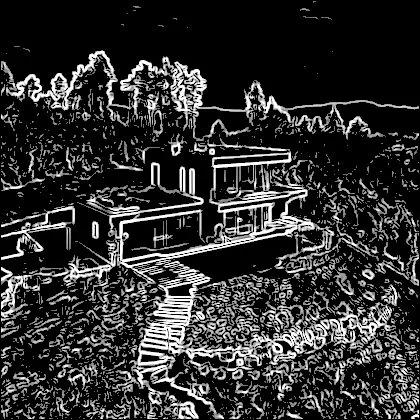
Our ready-made workflow templates
Members only
03 · Mixart in a minute
Pick an object, swap it. Multiply it on the canvas.
In Layers, swap the sofa for a product photo and the rug with a single sentence; send the result to the canvas and add people, other angles and detail shots. Recorded in the app itself.
04 · Atmosphere
One scene. Five atmospheres.
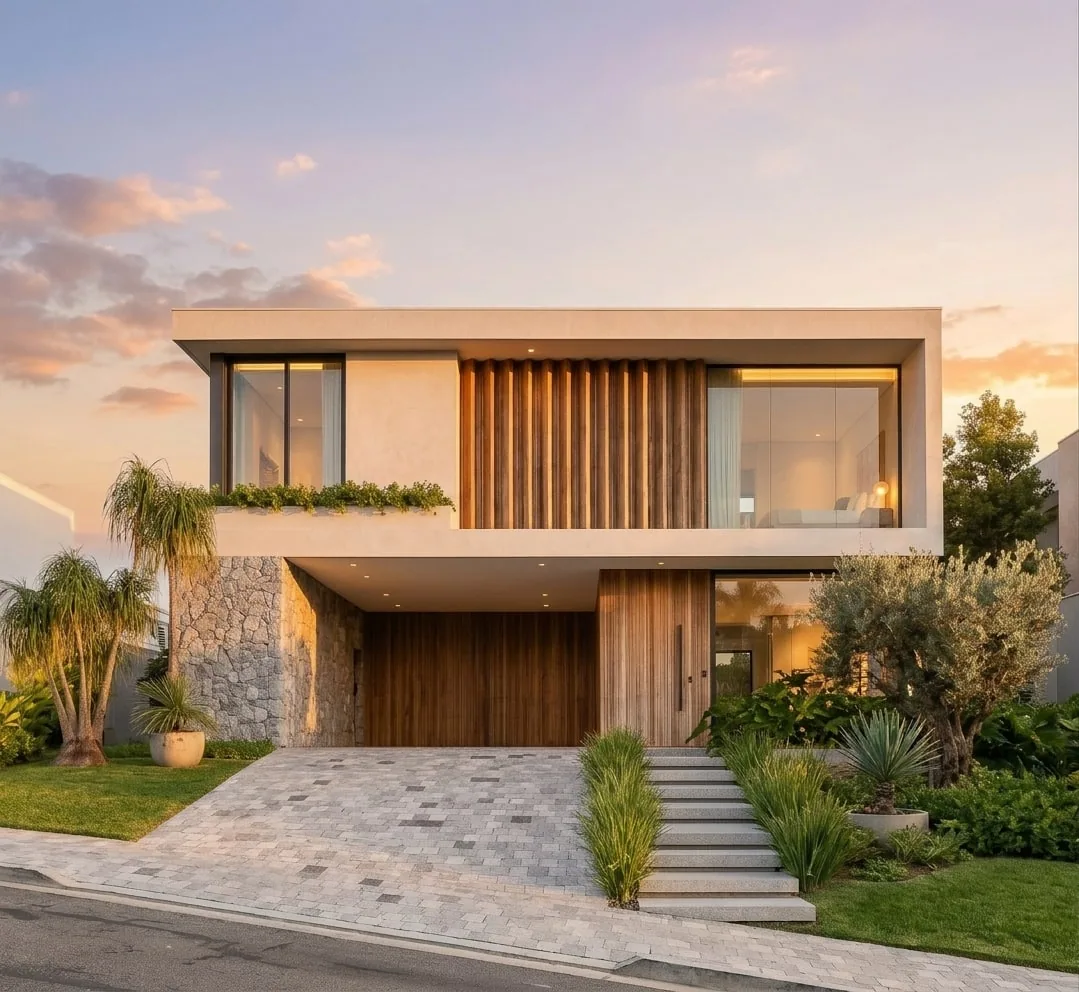
The same frame, the same architecture. Only the weather and the light change; each in one click.
05 · Image to 3D
From photo to 3D model. From every angle.
Upload a product photo and get a textured 3D model. Turn it, look at its materials, and bring it into your 3ds Max, SketchUp or Blender scene as GLB, FBX or OBJ.
preparing model…
- Model
- Pro
- Texture
- PBR material
- Output
- GLB · FBX · OBJ
- Time
- 1–2 minutes
Pakete dahil
Model made in Mixart
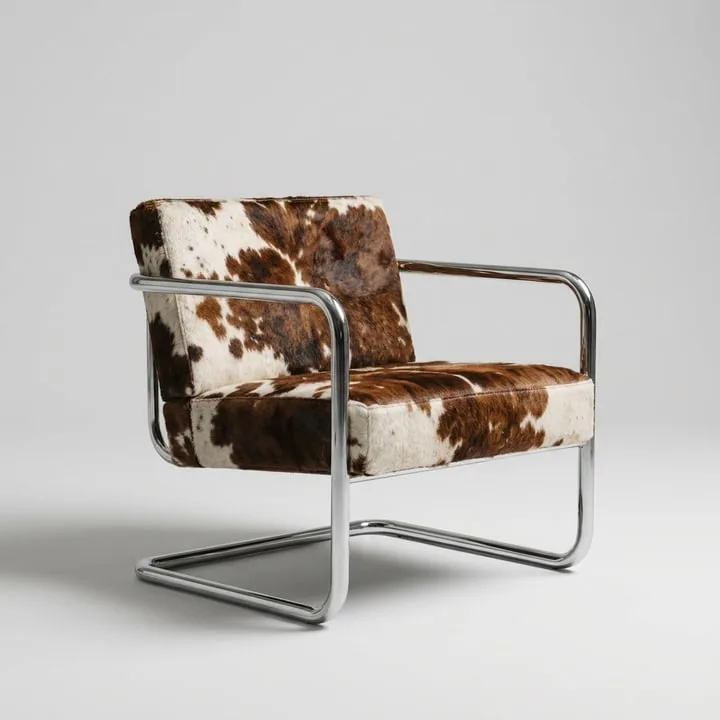
Chrome and leather, from one photo
The shine of the tube, the grain of the leather. From a single product photo, a 3D model ready for your scene.
06 · Pricing
Start small. Grow when you’re ready.
Every plan opens every preset and the node editor. Prices in US dollars.
Starter
First stepGet to know the platform with your own project.
$14
1-month package · $144 for 12 months
5,000 credits a month
- ≈ 71 Standard images
- or ≈ 33 Pro images
- or ≈ 12 videos (5 s)
- Every preset and the node editor
- Standard and Pro images, video, upscaling, 3D models
- Unlimited projects
- Commercial use
- E-mail support
Pro
Most popularFor architects and interior designers who create every week.
$35
1-month package · $348 for 12 months
18,000 credits a month
- ≈ 257 Standard images
- or ≈ 120 Pro images
- or ≈ 45 videos (5 s)
- Everything in Starter
- Unlimited saved workflows
- Early access to new flows
- WhatsApp support
Premium
FreedomFor studios with small teams and projects running side by side.
$89
1-month package · $876 for 12 months
45,000 credits a month
- ≈ 642 Standard images
- or ≈ 300 Pro images
- or ≈ 112 videos (5 s)
- Everything in Pro
- Team of 3, shared credit pool
- 2 videos at a time
- Early access to every new tool
- Priority live support
Max
TeamFor offices working from a shared credit pool.
$199
1-month package · $2,028 for 12 months
100,000 credits a month
- ≈ 1,428 Standard images
- or ≈ 666 Pro images
- or ≈ 250 videos (5 s)
- Everything in Premium
- Team of 5, shared credit pool
- 5 videos at a time
- Credit limit per person
- Pay by invoice · request it
- One-to-one WhatsApp support
Enterprise
Get in touch for a package made for your team and contract invoicing.

Prices are in US dollars; for now your card is charged the Turkish lira (TRY) amount shown at checkout. Payments are secured by iyzico.
Auto-renewal is chosen at checkout and can be turned off at any time · Full refund within 7 days if you haven’t used your package · One account is used by one person at a time · Every operation shows its credit cost before it runs · Credits come back for an operation that returns no result
07 · Questions
Before you start.
What makes Mixart different?+
It is built for architectural visualization: tested presets get you results without writing prompts. Every tool is a small node workflow underneath: “Open in canvas” joins the steps, and you save your own workflow to use again.
Do I need technical skills to use the node editor?+
No. You start from ready-made templates: drop an image and press ▶ Run. Links are colour-coded (blue for images, orange for text) and only compatible links connect.
Can several people use one account at the same time?+
No. One account can’t be used by two people at once; signing in on another computer ends the earlier session. To work as a team, use the team seats in the Premium (3 people) and Max (5 people) plans: everyone signs in with their own account and usage comes out of a shared pool.
Can I use the outputs in commercial projects?+
Yes. You can use the images you create in client presentations, competition boards and sales material. The terms of the AI model used also apply; if we know of a limit, we note it next to the tool.